
Video

There are times when you may need to record on-screen video, either for instruction or as a record of conversations or whatever. There are many solutions for this.

There may be times when you need to download, with permission, videos from YouTube etc for future reference. There are multiple solutions for this.

Here are the two things we choose. This is not advertising, paid or unpaid, or a recommendation, just a record of what we use. We have tried others, which for various reasons were rejected. These solutions are free, at the time of writing at least.

If you try either of these and have problems, we do not accept responsibility. Beware fake, scam sites.

Downloading from YouTube

After trying others that failed, we settled on this. Each time we use it, there is one advert for some kind of video editing thing, but it’s not intrusive and we delete it.

Copy the url for the video you want, paste it into the program, it will be ‘analysed’, then you can download it. You can enter more than one at a time, even whole queues for videos and just leave it to get on with the work.

In the settings, you can choose to shut down your computer when it is done.

Download times can be very short, or long depending on number and size of files and speed of connection.

Screen recording

We went for ShareX.

It’s free, and it does many things were are not interested in, We just use Capture|Screen recording.

To get sound, you may have to install a plug in, but it’s easy.

Select the region of the screen to be recorded and let the program do its work. At the end, click Stop. It may take a while for the video to be processed and saved.
Comments

We always welcome people making sensible comments, but spam is making us have to remove the commenting facility on some posts.

Sorry.

Early days

I have fond memories of the early days of Internet use at home. I can’t give you a year, probably 1995 or 1996, but definitely no later.

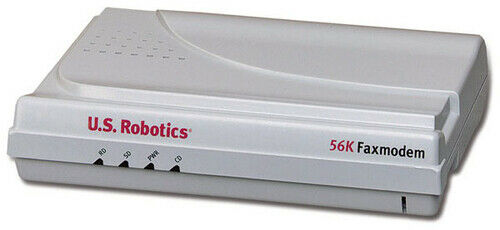
We had to use a dial up modem. This was a box you plugged into your telephone socket (so no calls then, of course) and you dialled up a number (and paid appropriately).

One of mine was a unit very similar to this. See, you could send faxes too!

The whole system was very text based, unlike now. We used a system called Almac (not any company that exists now – I think it was named after the man who set it up, Alistair MacIntyre or something similar perhaps, I forget) and you would call in for your e-mails or lists.

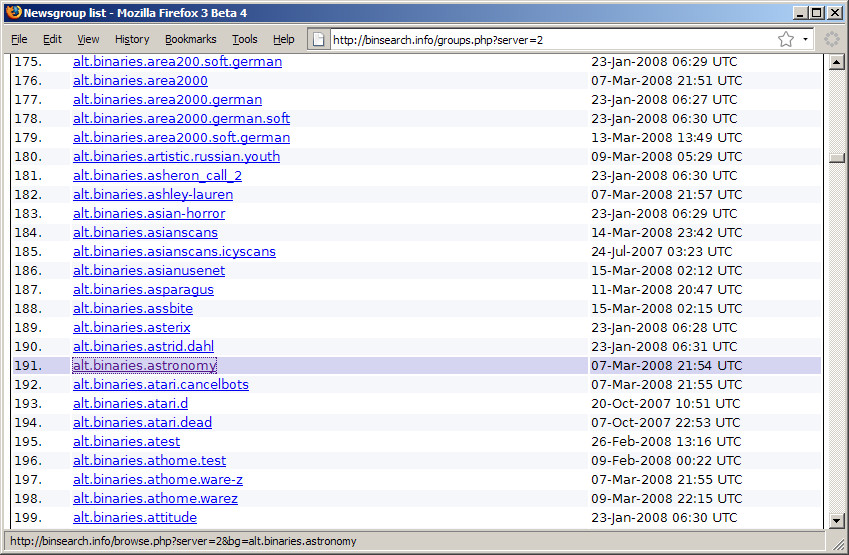
Lists? Well yes, there was a text based system called LISTSERV that allowed people with similar interests to communicate. Each day, or perhaps more often, you would read a digest of messages posted to the server. You could read and reply, or create a new topic. I think it still exists in places, but is very outdated. There were also more public discussion groups, named like alt.binaries.uk.fish where the messages, which could include pictures, could be delivered into your e-mail account (or you could use other software). I think these newsgroups are all but dead.

Another big thing was the bulletin board. Again text based, it was a place where you could post messages on a topic and people could reply. Yes, a discussion forum.

File sharing was a big thing, and many academic sites allowed you to download files.